Interactive software walkthroughs have become increasingly popular for onboarding, software adoption, and training. In this first installment of WTT: What’s The Tool?, I’m taking a closer look at Supademo and whether it’s worth adding to your Learning & Development toolkit.
Why I Decided to Try Supademo
Category: Documentation & Software Demonstrations
Best for: Learning & Development Professionals, Trainers, Instructional Designers, Business Analysts, Customer Success Professionals, and Teachers
Learning Effort: 🏋️ Easy
If you’ve ever needed to explain how to use a system, you’ve probably experienced this dilemma:
Should I…
- schedule a live demo?
- record a Loom video?
- create a PowerPoint presentation?
- or write a long Word document with screenshots?
All of these options work, but they’re not particularly efficient, especially when people only need to complete a few simple steps.
That’s what led me to Supademo.
Instead of creating a traditional screen recording, it allows you to build interactive, click-through walkthroughs that users can complete at their own pace. It’s less time-consuming, user-friendly, and easy to prepare.
What’s the Tool?
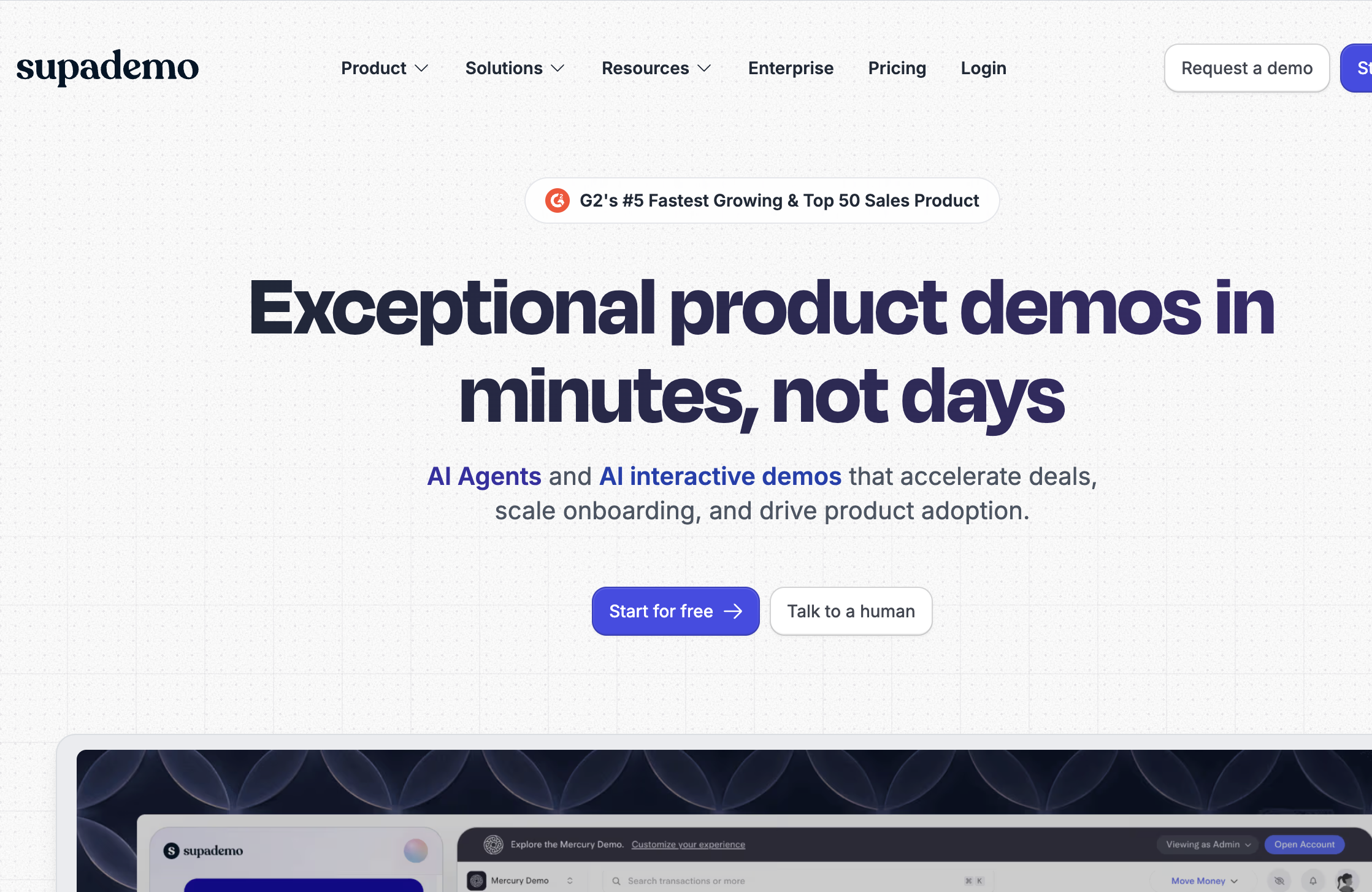
Supademo is an AI-assisted interactive demo platform that automatically captures your clicks as you navigate through a website or application. Rather than producing a passive video, it creates a guided experience where learners can click through each step themselves.
If you work in Learning & Development, you probably know that videos don’t always lead to high knowledge retention. Learners often become passive viewers. For people to truly retain what they’re learning, they need opportunities to actively participate rather than simply watch.
So where does Supademo fit?
Think of it as something between:
- a screen recording,
- a PowerPoint tutorial,
- and an interactive product walkthrough.
Where I Think It Shines
The first thing that came to mind was Learning & Development. Creating step-by-step system navigation guides often takes a considerable amount of time. Now imagine a new feature being released every month. You’ll eventually have to update those guides to keep them relevant and up to date.
Imagine you’re creating instructions for:
- Microsoft Teams
- SAP
- Workday
- Salesforce
- ServiceNow
- Canvas LMS
- Moodle
- Google Classroom
Instead of telling learners,
“Pause the video at 2:13…”
they simply click Next and continue. The experience feels much more interactive, and they can revisit the material anytime at their own convenience.
Who Should Consider Using It?
I think Supademo is particularly useful for:
- ✔ Instructional Designers
- ✔ Corporate Trainers
- ✔ Teachers introducing digital platforms
- ✔ Business Transformation teams
- ✔ Customer Success teams
- ✔ Anyone documenting business processes
What I Like
One of the biggest advantages is speed.
Traditional documentation often looks something like this:
Take a screenshot
↓
Paste it into Word
↓
Crop the image
↓
Resize it
↓
Add arrows and annotations
↓
Repeat… over and over again.
Supademo automates much of that process. It also makes updating your guides much easier whenever systems change.
Things to Keep in Mind
I wouldn’t recommend Supademo for every type of learning experience.
For example:
- compliance training,
- scenario-based learning,
- simulations requiring decision-making,
- or highly customized eLearning.
Those are still better suited for dedicated authoring tools like Articulate Storyline or Rise.
Supademo works best when your goal is helping someone learn how to navigate or use a system.
Free vs. Paid
The free plan is a good way to explore the platform and create basic interactive walkthroughs.
However, if you’re creating documentation regularly or collaborating with a team, you’ll probably find the paid plans more practical because they offer additional features and fewer limitations.
If you’re just getting started, I’d recommend trying the free version first to see whether it fits your workflow before committing to a subscription.
Learning Effort
🏋️ Easy
If you’re already comfortable recording your screen with tools like Loom or creating tutorials with screenshots, Supademo shouldn’t take long to learn.
Similar To…
If you’ve used:
- Loom
- Scribe
- Guidde
- Tango
you’ll probably pick up Supademo quickly.
The main difference is that Supademo focuses on creating interactive walkthroughs rather than just videos or static documentation.
My Verdict
Supademo probably won’t replace your eLearning authoring tool, and I don’t think it’s meant to. It also won’t replace live facilitation. What it does extremely well is reduce the time required to create clear, interactive software documentation.
For Learning & Development professionals, Business Transformation teams, Customer Success professionals, and anyone involved in software adoption, that’s often enough to justify adding it to your toolkit. I’d especially recommend it for onboarding, software adoption, and process documentation.
Disclaimer
As of writing, I am not connected to Supademo in any way. All insights shared in this post are based on my own research and personal experience.
Explore More Tools
Supademo is just one of 25 tools featured in my free guide:
Inside, you’ll discover AI, productivity, presentation, collaboration, and learning tools that can help you work more efficiently, whether you’re a teacher, trainer, instructional designer, or learning consultant.


No responses yet